CC Play
Tools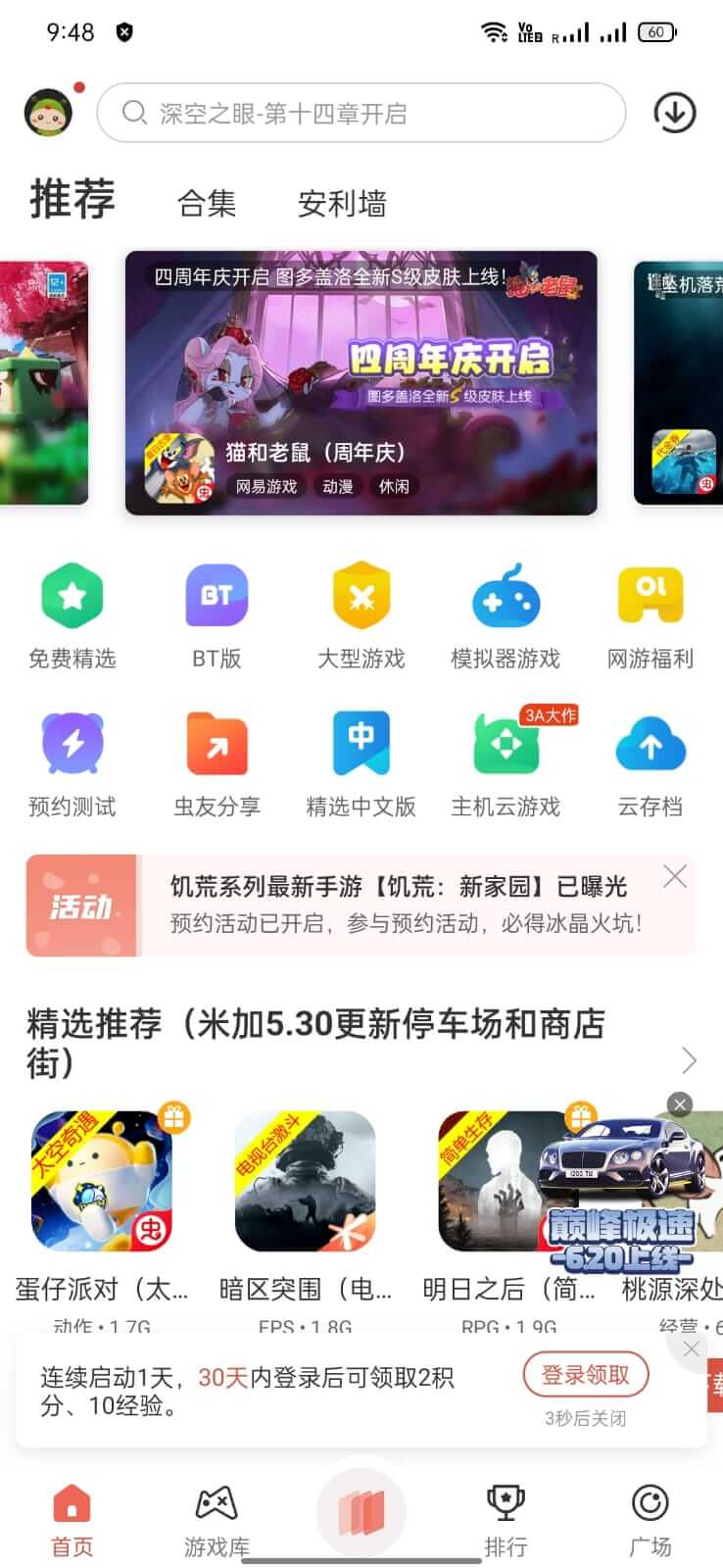


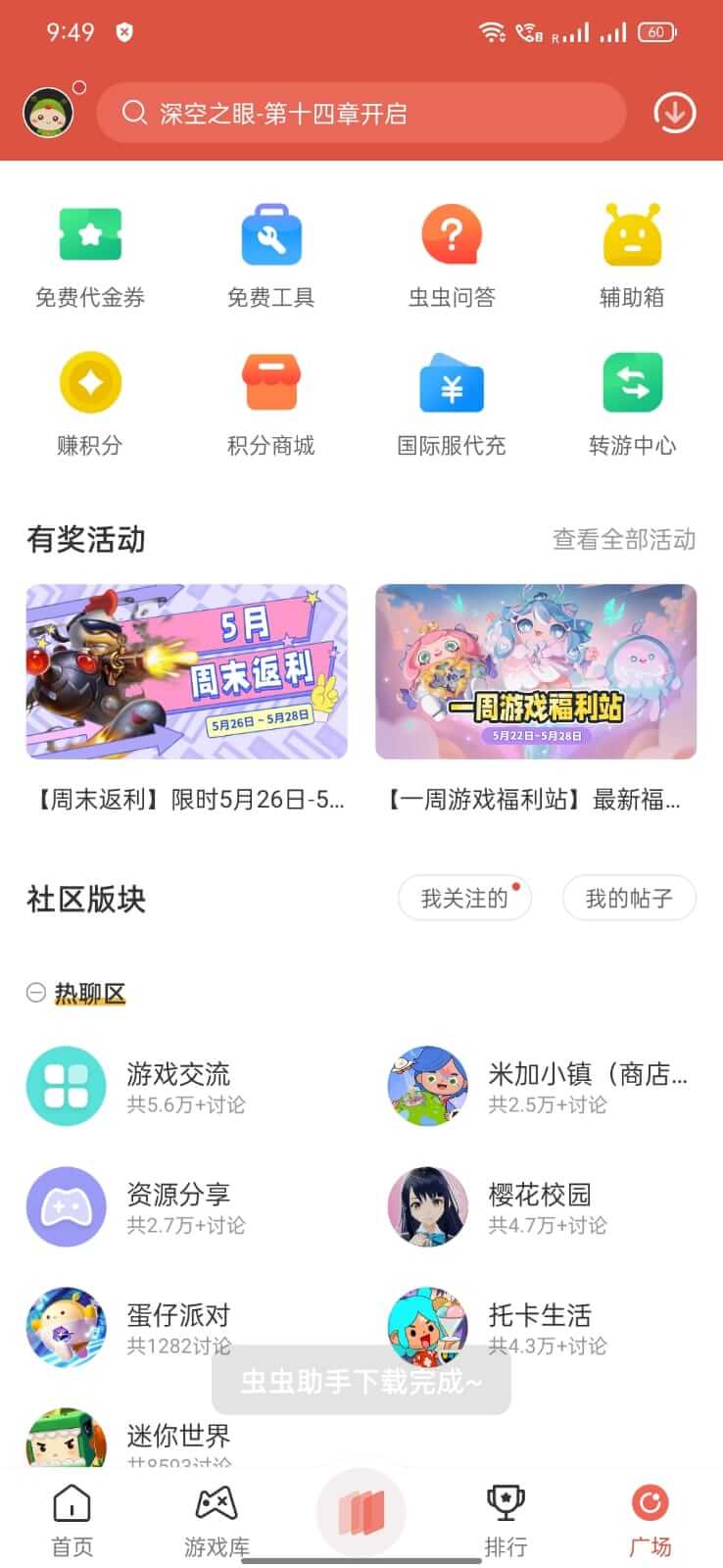

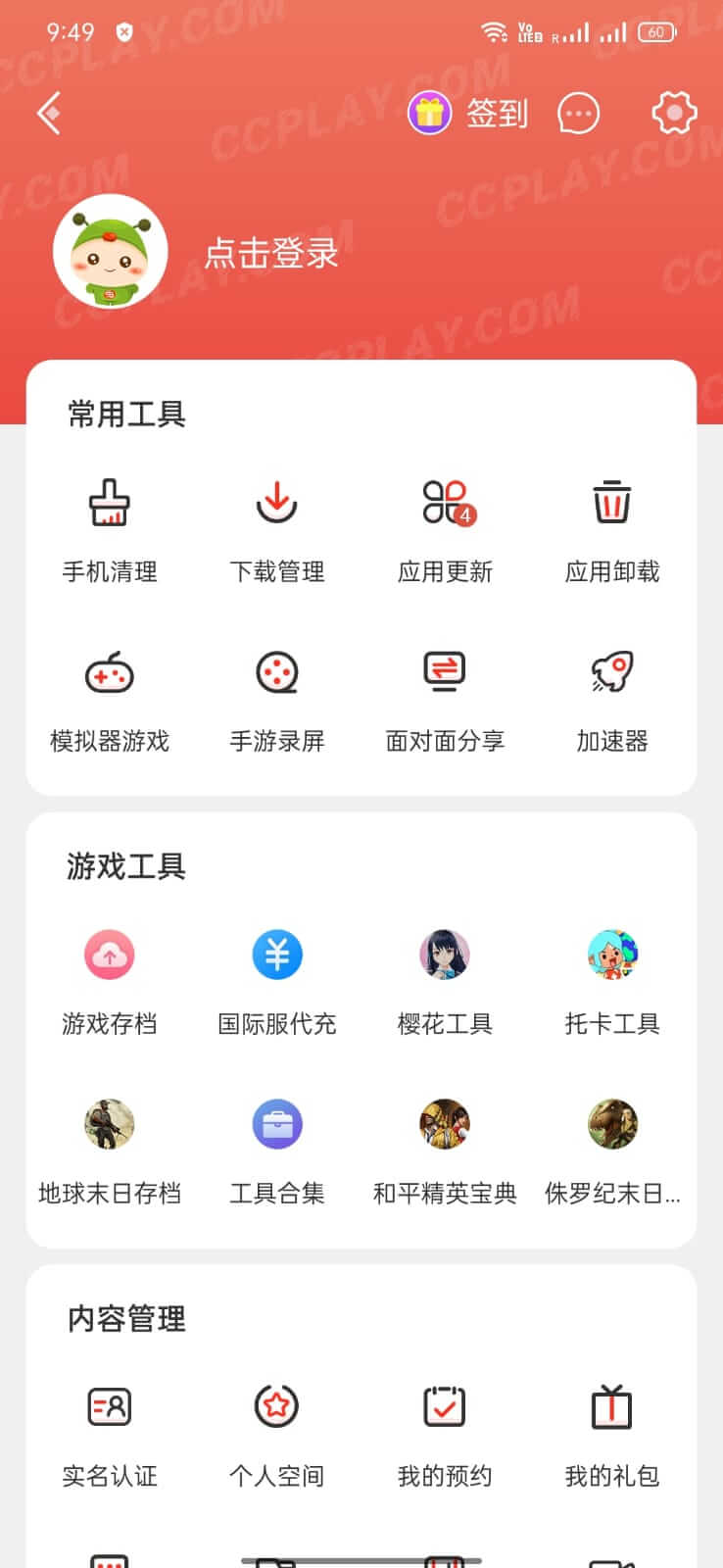

CC Play is a third‑party Android application store that focuses on providing apps and games which are not available through the official Google Play Store. It targets users who are looking for modded versions, region‑locked titles, or niche utilities that mainstream stores often omit.
This page gives you the latest verified version (4.7.5.4), a quick‑look summary, installation steps, common issues, and a comparison with other well‑known alternative app stores.
Quick Information
| App/Game Name | CC Play |
| Latest Version | 4.7.5.4 |
| Developer | Not listed |
| Category | Apps / Tools |
| App Size | 64.3 MB |
| Package Name | com.lion.market |
| Last Updated | 12 January 2026 |
What Is CC Play?
CC Play functions as an independent marketplace where developers and hobbyists upload APK files directly. Its core features include a searchable catalog, category browsing, and the ability to download modded or unofficial builds of popular apps. Because it operates outside the Google Play ecosystem, users should expect occasional stability differences and the need for manual updates.
Compatibility
Compatibility
| Android Version | ✓ Verified — Android 6.0 and later |
| Architecture (ARM64 / 32-bit) | ✓ Verified — Supports common device architectures |
| Internet Connection | ✓ Verified — May be required for ads, updates, or login |
| Storage Needed | Not Verified |
| OBB/Data Files | Not Verified |
| Root Required | Not Verified |
How to Install
- Enable Install unknown apps for the browser or file manager you will use (Settings → Apps → Special app access → Install unknown apps).
- Download the CC Play APK file to your device.
- Open the downloaded file and follow the on‑screen prompts to install.
- Once installed, launch CC Play and grant any runtime permissions it requests (e.g., storage access for downloading other APKs).
- Use the built‑in search or category list to find the app you want, then tap Download to install it directly from within CC Play.
Troubleshooting
- App not installed – Verify that the APK is compatible with your Android version and that you have allowed installations from unknown sources.
- Crashes on launch – Clear the app cache (Settings → Apps → CC Play → Storage → Clear cache) and ensure your device meets the minimum Android version indicated in the compatibility table.
- MOD features not working – Some modded packages rely on specific device configurations or additional files (OBB, data packs). Check the app’s description page within CC Play for any extra requirements.
- Login or online‑auth issues – If the app you downloaded requires an account, make sure you are using the correct credentials and that the service is not blocking modified clients.
Safety & Security
Because CC Play distributes unofficial builds, it is essential to download the APK only from a trusted source. Review the permissions requested during installation and avoid granting unnecessary access (e.g., SMS, phone calls) unless the app’s functionality clearly requires it. Keep in mind that updates to the original app may break a modified version, and some services may restrict accounts that use altered clients.
How CC Play Compares
| Feature | CC Play | APKPure | Aptoide |
|---|---|---|---|
| Price / Free model | Free | Free | Free (ads supported) |
| Platform availability | Android only | Android only | Android only |
| Standout feature | Focus on modded and region‑locked apps | Large catalog with user reviews | Community‑driven store with personalized recommendations |
| Best for | Users seeking unofficial or modified versions | General users wanting a broad selection of APKs | Enthusiasts who like community curation and app bundles |
Alternatives
- APKPure – A well‑known third‑party store with a massive library of official and unofficial APKs, plus user ratings.
- Aptoide – Community‑run marketplace that lets developers create their own stores within the platform.
- Amazon Appstore – Official alternative store offering a curated selection of apps and regular promotions.
- F‑Droid – Open‑source app repository focused on free and privacy‑respecting software.
Final Verdict
CC Play is a useful option for Android users who need access to modded or otherwise unavailable apps. It is free and straightforward to install, but the unofficial nature of its catalog means you should verify each download’s safety and be prepared for occasional compatibility quirks. If you prioritize a larger, community‑vetted library, consider APKPure or Aptoide as alternatives.
Frequently Asked Questions
The APK itself is not from an official store, so you should only download it from a reputable source and review the permissions it requests.
Check the compatibility table for the minimum Android version; generally it works on Android 5.0 (Lollipop) and newer.
CC Play only offers apps that have been made available by their creators; it does not provide illegal copies of paid software.
No root is required; the app works on standard, non‑rooted devices.
Updates must be downloaded manually from within CC Play or by reinstalling a newer APK version.
Some services may detect modified clients and restrict access, so use caution and avoid entering sensitive account details in unofficial builds.
Yes, CC Play is a separate app and does not interfere with the official Play Store.
Older versions may be found on third‑party sites, but they might lack security fixes, so it’s best to use the latest release.